
Many Roblox developers assume that buying an asset or uploading one to the platform means they own it outright and can do whatever they want with it. That assumption leads to real problems, from DMCA takedowns to account bans. The truth is that Roblox assets are UGC or Creator Store items where creators retain intellectual property but grant Roblox a broad license over their work. Understanding how that licensing framework operates is not optional if you want to build, sell, or buy assets without running into legal or platform issues. This guide breaks it all down clearly.
Table of Contents
- How Roblox asset licensing works: The basics
- Purchasing and using Roblox assets: Rules and rights
- Selling your Roblox assets: Licensing, eligibility, and revenue
- Avoiding licensing pitfalls: Edge cases, rights management, and enforcement
- Perspective: Why strict licensing actually empowers Roblox creators
- Get started with premium Roblox assets: License smart
- Frequently asked questions
Key Takeaways
| Point | Details |
|---|---|
| Understand Roblox IP rules | Licensing on Roblox means creators keep ownership but allow the platform broad use of their assets. |
| Check usage rights before publishing | Each asset's license determines how you can use, modify, or share it—always read permissions first. |
| Selling requires eligibility | Roblox enforces seller requirements and a revenue share model, so verify your credentials and policies in advance. |
| Watch out for edge cases | Improper use or copyright violations can trigger takedowns and bans, even retroactively. |
| Use licensing to your advantage | Understanding Roblox's licensing empowers you to build, sell, and protect your creative work with confidence. |
How Roblox asset licensing works: The basics
Asset licensing on Roblox is not a single rule. It is a layered system that depends on the type of asset, how it was created, and where it lives on the platform. Getting this wrong can cost you time, money, and your account standing.
Roblox has three main asset categories you need to know:
- UGC (User-Generated Content): Items created by approved creators, typically accessories, clothing, and avatar items sold through the Avatar Shop.
- Creator Store assets: Models, scripts, audio, UI components, and other development resources that Roblox Studio users can access for building games.
- Avatar Shop items: Wearables and cosmetics that players buy for their avatars, often with strict resale and redistribution rules.
When you upload any asset to Roblox, creator IP retention is preserved, meaning you still own the intellectual property. But here is the part most creators miss:
By uploading content to Roblox, you grant Roblox a non-exclusive, worldwide, royalty-free license to use, reproduce, modify, and distribute your content in connection with the platform and its services.
That is a broad license. Roblox can use your asset to promote the platform, display it in catalogs, and distribute it to buyers. You do not lose ownership, but you do give up significant control as long as the asset remains on the platform.
Here is what rights you actually hold as a creator or buyer:
- Creators: Retain IP, can remove assets, can set pricing, but cannot revoke the license Roblox holds during the listing period.
- Buyers: Receive a use license for their Roblox projects only, not a transfer of ownership.
- Both parties: Are bound by Roblox's Terms of Use, which override any informal agreements between individual creators and buyers.
The core distinction is simple but critical. Ownership means you hold the intellectual property. Licensing means you have permission to use something under specific conditions. Buying a Roblox model does not make you its owner. It makes you a licensed user with defined, limited rights.
Purchasing and using Roblox assets: Rules and rights
Most creators first bump into licensing rules when they download or purchase assets to use in their games. The rules here are more specific than most people expect.
Purchasing assets grants a use license for your Roblox experiences, but that license does not include resale or redistribution. You can build with the asset. You cannot package it and sell it elsewhere.
Here is a quick comparison of free versus paid asset licensing:
| Feature | Free assets | Paid assets |
|---|---|---|
| Use in your Roblox game | Yes | Yes |
| Modify for personal use | Usually yes | Usually yes |
| Redistribute or resell | No | No |
| Commercial use outside Roblox | No | No |
| Attribution required | Sometimes | Rarely |
Before you drop any asset into your project, follow these steps:
- Open the asset's Creator Store page and read the description carefully.
- Check if the creator has added supplemental license terms (some do, especially for premium packs).
- Look at the creator's profile for any stated usage policies.
- If the asset is from a third-party source, verify it was legitimately uploaded and not a reupload of someone else's work.
- When in doubt, contact the creator directly before publishing your game publicly.
Piracy is a real issue on the platform. Unauthorized reuploads of paid assets strip creators of revenue and put buyers at risk. If you use UGC assets that turn out to be pirated copies, your game could be flagged even if you had no idea the asset was stolen. Ignorance is not a defense Roblox recognizes in moderation decisions.
Pro Tip: Before integrating any asset into a public game, check the asset's original listing for permissions. If it has been delisted or the creator account is suspended, treat that asset as unusable until you verify its status.
For developers who want to move fast without licensing headaches, starting with free Creator Store assets that have clear permissions is a smart move. As your project grows, upgrading to premium UI assets with developer-friendly terms saves you from costly rework later. You can also browse new Roblox assets regularly to find fresh, properly licensed options.
Selling your Roblox assets: Licensing, eligibility, and revenue
If you are on the creator side, licensing shapes everything from whether you can list an asset to how much you actually earn.
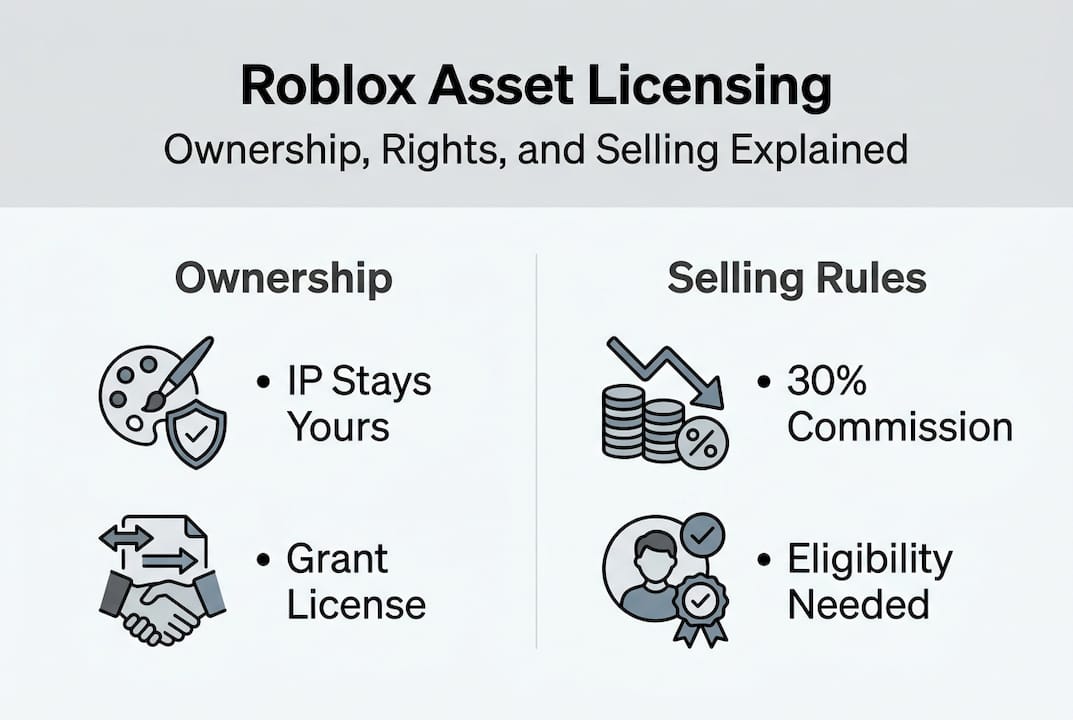
To sell assets on the Creator Store, you need to meet specific eligibility requirements. Eligibility for selling requires verification, Premium, and moderation history, and Roblox takes a 30% commission on sales. That is not negotiable. Here is how the revenue structure breaks down:
| Revenue component | Details |
|---|---|
| Roblox commission | 30% of sale price |
| Creator payout | 70% of sale price in Robux |
| Robux to USD conversion | Approximately $0.0035 per Robux (via DevEx) |
| DevEx eligibility threshold | 30,000 Robux minimum |
| Premium requirement | Active Roblox Premium subscription |
The scale of this economy is significant. Roblox paid creators nearly $1B in 2025, which shows just how large the licensed asset economy has become. That is real money flowing through a system built entirely on licensing agreements.
As a seller, here is what you should and should not do:
Do:
- Upload only original work or assets you have explicit rights to sell.
- Clearly describe what buyers can and cannot do with your asset.
- Keep your account in good moderation standing to maintain selling privileges.
- Price your assets competitively while accounting for the 30% commission.
Do not:
- Reupload or resell assets created by other developers without written permission.
- Claim ownership of assets that include third-party elements (like Daz3D models) without proper supplemental licenses.
- Ignore moderation warnings, as repeated issues can permanently revoke your selling eligibility.
When you upload an asset, you grant Roblox the same broad license described earlier, and you also grant buyers a use license. You do not give up ownership, but you are authorizing a chain of use that you cannot fully control once the asset is live.
Pro Tip: Maintain clean moderation compliance from day one. A single serious violation can lock you out of the Creator Store permanently, even if your assets are high quality.
Creators building unique game experiences can sell game templates or niche asset packs like a pixel pack to tap into a growing market of developers who want to build fast with quality foundations.
Avoiding licensing pitfalls: Edge cases, rights management, and enforcement
Even experienced developers run into licensing problems they did not see coming. These edge cases are where things get complicated fast.
The most common pitfalls include:
- Copyright claims on music and audio: Many developers upload background music without realizing it is copyrighted. Rights Manager can flag and remove these automatically.
- Supplemental licenses for third-party assets: Some assets, like those created using Daz3D software, require a separate commercial license before they can be sold on Roblox. Skipping this step violates both Daz3D's terms and Roblox's policies.
- Pirated reuploads: Buying what appears to be a legitimate asset that is actually a stolen reupload puts your account at risk.
- Resale outside Roblox: Selling Roblox Creator Store assets on external platforms like itch.io or Gumroad is explicitly prohibited and can result in legal action beyond just a platform ban.
Rights Manager lets IP owners claim and remove infringing assets, and violations can lead to takedowns or bans. If you are a creator whose work has been stolen, Rights Manager is your primary tool for enforcement. You can submit claims, flag infringing items, and request removal.
Roblox's Rights Manager is designed to protect intellectual property on the platform by giving rights holders a formal channel to identify and remove content that infringes on their IP.
One thing many developers do not realize: there is no public domain for UGC accessories or clothing on Roblox. Every item in the Avatar Shop is protected, even if it looks generic. Recreating a popular item without authorization is still infringement.
For developers working with map assets, licensing best practices mean verifying that every terrain element, structure, and prop in a purchased map pack was originally created by the seller. A map that includes stolen models transfers that risk to you.
Ignoring licensing terms does not just risk your current project. It puts your entire account, your revenue history, and your future selling eligibility on the line.
Perspective: Why strict licensing actually empowers Roblox creators
Most developers initially see Roblox's licensing rules as a barrier. The reality is the opposite. Strict licensing is what makes the creator economy worth participating in.
Conventional wisdom says open asset sharing accelerates development. And it does, to a point. But without enforceable licensing, the most talented creators would stop publishing their best work publicly because copycats would profit from it instantly. Roblox's mechanics favor free asset sharing for core development but strictly enforce IP via Rights Manager, which is a deliberate balance.
Here is the contrarian take: knowing licensing details does not slow you down. It makes you a more confident creator. When you understand exactly what you can and cannot do, you stop second-guessing every asset decision. You build faster because you build correctly the first time.
The Roblox asset marketplace ecosystem only thrives when creators trust that their work is protected. Fair enforcement signals a healthy environment where investing time in quality assets actually pays off. Licensing complexity is not a bug in the system. It is the feature that keeps the economy honest.
Get started with premium Roblox assets: License smart
With new clarity around licensing, you are ready to source the right assets without the guesswork. RoMarkets offers a curated selection of premium Roblox assets, each designed with developer-friendly licensing so you know exactly what you are getting.
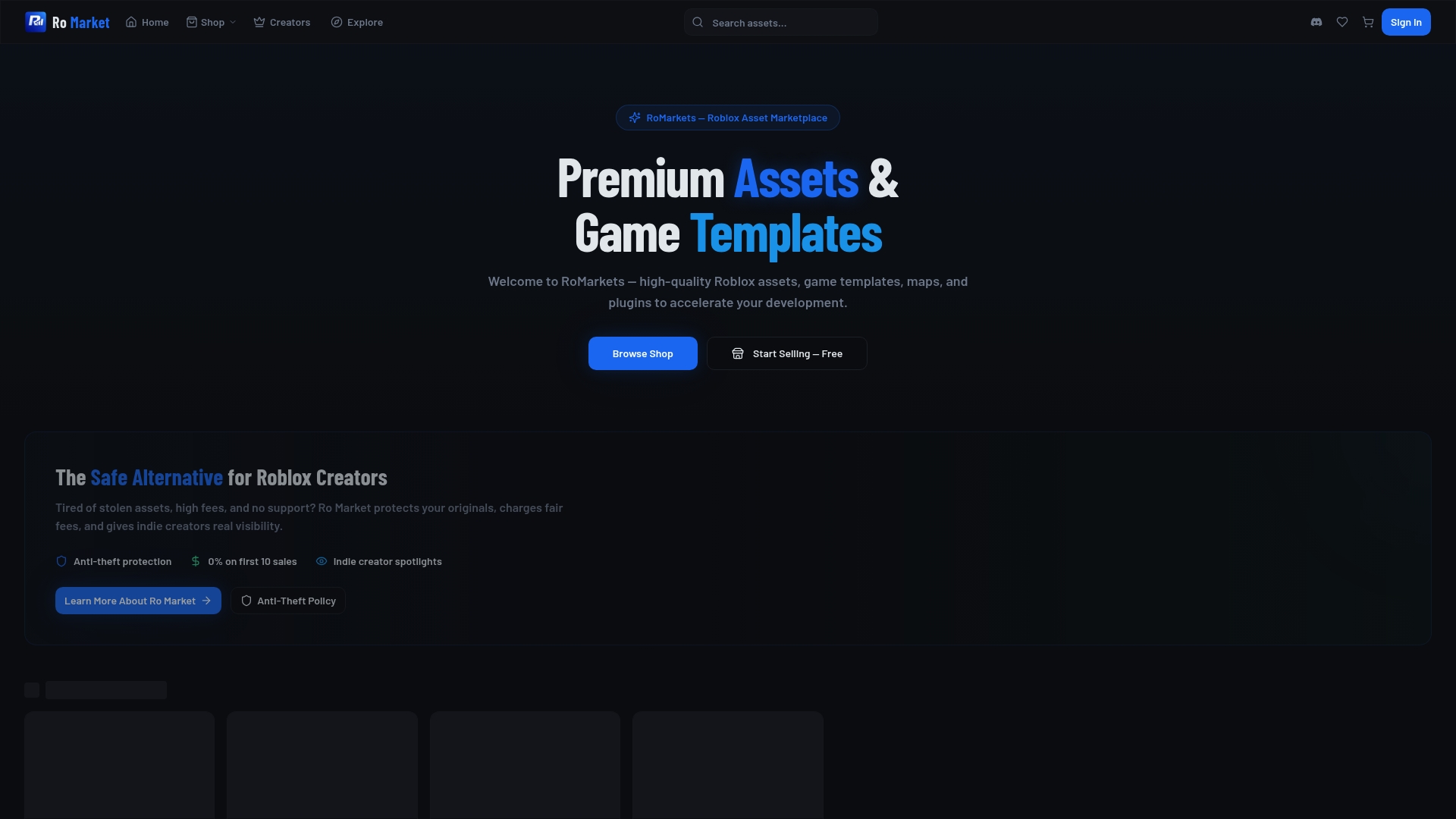
Whether you need polished Roblox UI assets, detailed Roblox maps, or a full range of development tools, the Roblox asset marketplace at RoMarkets gives you clear, transparent licensing terms alongside every product. Browse the catalog, find assets that match your project scope, and build with confidence knowing your licensing is covered from the start.
Frequently asked questions
Can I resell or redistribute assets bought from the Roblox Creator Store?
No resale or commercial redistribution outside Roblox is permitted. Purchasing an asset only grants you a use license for your own Roblox projects.
What happens if I accidentally use a copyrighted asset in my game?
The asset may be removed through Rights Manager enforcement, and repeated violations can lead to bans or loss of publishing rights on the platform.
Do I keep ownership of an asset I upload or sell on Roblox?
Yes. Creators retain IP ownership but grant Roblox a broad license to use and distribute the asset for as long as it remains on the platform.
How are licensing disputes handled on Roblox?
Disputes are managed through the Rights Manager tool, which allows IP owners to formally report and request removal of infringing marketplace content.
What are the requirements to start selling assets on Roblox?
Selling eligibility requires ID verification, an active Roblox Premium subscription, and a strong moderation history with no serious violations on your account.